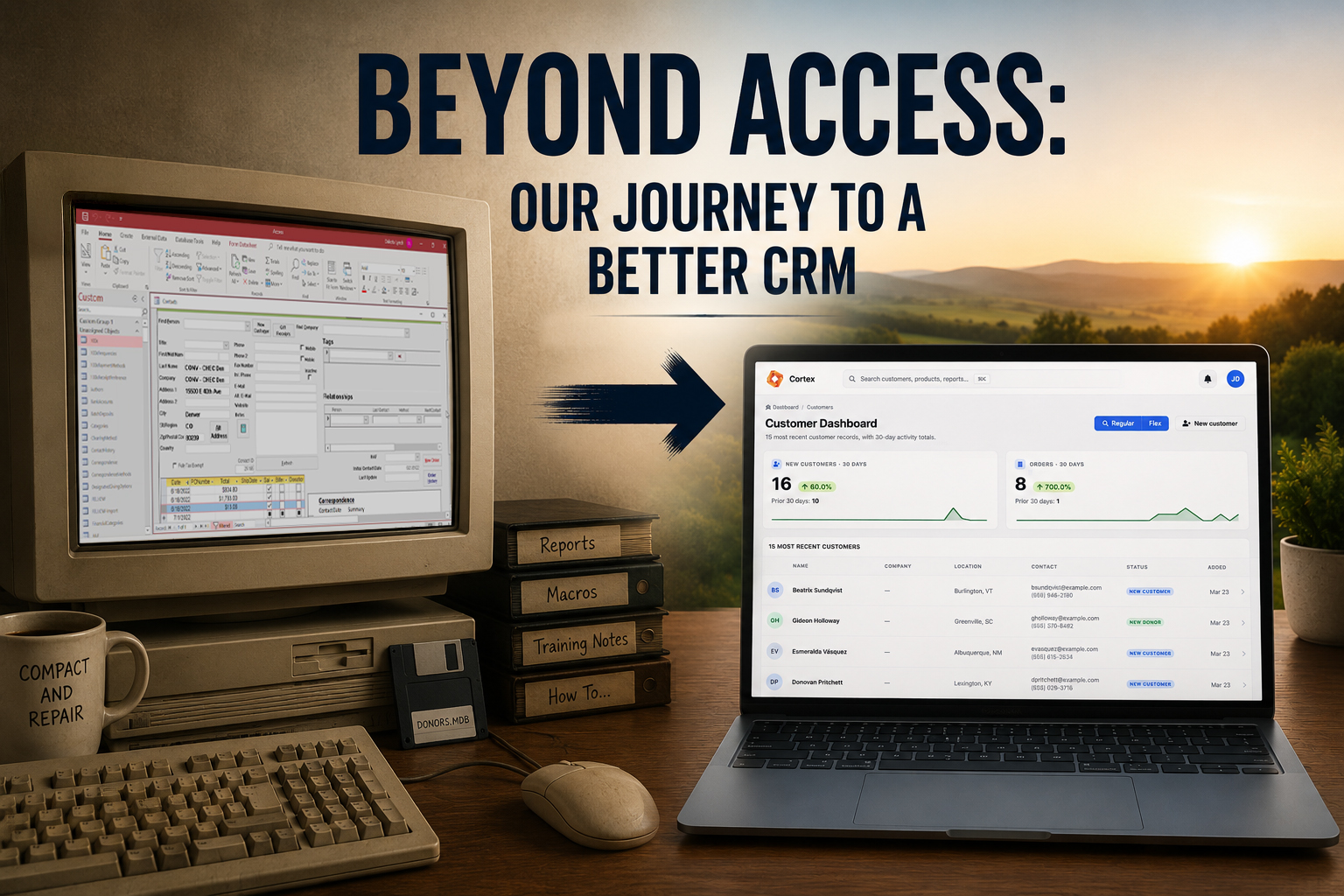
For about three decades, our ministry's CRM was a Microsoft Access database.
It was built in the 1990s by a friend of the ministry as a gift — a real act of service, and for a long time it did exactly what we needed it to do. We tracked donors in it. We tracked sales of our Scripture memory books and curriculum in it. We logged conversations with key partners in it. It was even our source of truth for a meaningful chunk of our financial recordkeeping.
It worked. Until it didn't.
This is the story of replacing it — what I looked at, what I learned about the nonprofit CRM market, why I eventually decided to build something instead of buy something, and what I'd tell another person sitting where I was sitting a year ago.
How Access actually broke
Access didn't fail in a single dramatic moment. It got harder to live with one papercut at a time.
The most expensive papercut was training. Our database had been customized for our organization over thirty years, which meant it could do an enormous number of things — but only if you knew the specific path through the menus to do them. Onboarding a new staff member was a project measured in weeks, not hours. There were things we didn't even try to train part-time staff on, because it was too complicated to expect them to remember.
The second papercut was remote access. Making the database available to remote employees who weren't on our local network was a major challenge. We eventually solved this by hosting the database on a virtual machine in Microsoft Azure, which worked — at a cost of about $500 a month, and at the cost of layering the virtual machine's complexity on top of Access complexity. We were paying real money to make a clunky tool slightly less clunky, and the tool itself was no better for it.
The third papercut was reliability. Anyone who has run a serious Access database knows the rhythm: the file gets sluggish, you run "compact and repair," it gets sluggish again, occasionally a session locks up, occasionally the VM has to be restarted, occasionally something cryptic happens that nobody on staff understands. None of these are catastrophic on their own. But cumulatively, they create a low-grade hum of distrust in your own data.
The fourth papercut — and this one mattered more than I realized at the time — was permissions. Access didn't have meaningful role-based access control. Maybe that's why it's called "Access." Every staff member with the database open could see everything: every donor record, every gift amount, every conversation note. That became a more significant problem as our organization scaled. There was no reason for an order fulfillment volunteer to see sensitive donor data and financial reports.
I had been quietly tossing around the idea of doing something about all of this for a couple of years. I have a tech background, and the programmer in me kept circling the problem. But it was a big problem, and there was always something more urgent.
Then one January afternoon, I had had enough. I opened a new project folder and mocked up the first page.
What I actually looked at on the market
Before I get to what I built, I want to talk about what I shopped — because "I just decided to build it" makes for a tidier story than the truth, and the truth is more useful.
I did look at the alternatives. I read pricing pages. I read feature comparisons. I sat with the math.
The picture that emerged was consistent across every serious option. The category-leading nonprofit CRMs are priced as monthly subscriptions, generally somewhere between $80 and $400 a month for an organization our size, with prices that rise on a tier ladder as your record count grows. Over a three- or five-year horizon, that's tens of thousands of dollars — for software that, on close inspection, didn't have certain core pieces of functionality we had grown to depend on in our heavily customized Access database.
That's the part the SaaS marketing doesn't lead with: if your current system is custom, switching to an off-the-shelf product is not a pure upgrade. You gain reliability and modernity. You lose, often, the specific workflows your team has built their daily rhythms around. And you pay, every month, forever, for the privilege.
There were three things in particular that made me hesitant to hand our data to a SaaS vendor:
Lock-in. Once your donor history, conversation notes, and product catalog live in their database, leaving is enormously expensive and complicated. The vendor knows this. Their pricing power grows over time, because they know you'll pay for the convenience of not leaving.
Vendor risk. Software companies get acquired. They pivot. They sunset products. They raise prices. The CRM you sign up for in 2026 is not necessarily the CRM you'll be using in 2030, even if you never change vendors.
Roadmap mismatch. SaaS products evolve toward whatever the vendor's largest customer segment wants. If you're a small ministry and the vendor's biggest accounts are mid-market hospitals or universities, your priorities will quietly drift to the bottom of the backlog.
None of those are unique to nonprofit CRMs. They're the structural shape of the SaaS business model. But they sit differently when the data in question is donor relationships built up over thirty years.
The build
I am not going to pretend this is the right answer for everyone. It is, in fact, not the right answer for most nonprofits. I'll come back to that.
But for our specific situation — heavy customization, a technical executive director, a strong preference for owning rather than renting — building made sense. So that January afternoon, I started.
The first version took roughly two weeks of nearly nonstop work: getting up early, staying up late, and reassuring my wife it was only temporary. At the end of those two weeks, we had a functional CRM and our Access data migrated into it. The staff started using it the day it was ready.
It took probably another two hundred hours after that to mature it into what it is today — building out reporting, tightening the role-based permissions model, adding a comments feature so staff can communicate about specific donors, and other wish-list features we had given up on with Access.
For some of you, spending hundreds of hours building your own CRM sounds like a fun adventure. For the other 99% of you, it does not. If you're not a computer nerd like me, the right comparison is not "build vs. buy" — it's "buy SaaS, or buy a self-hosted solution someone else built." Building from scratch is the wrong move for most organizations.
What changed after the migration
Two surprises stand out, both larger than I expected going in.
The first was the morale shift. The "frog in the kettle" effect with our old database had been more significant than any of us realized. Once we'd been on the new system for a few weeks, staff started commenting on how much less friction their day had — fewer error messages, no more "compact and repair," no more VM restarts, no more menu-spelunking to find the right report. Training time for new hires dropped from weeks to a couple of hours. People stopped dreading the database.
The second was about me. The thing I had not predicted was how much my own behavior would change. With Access, opening the CRM to check on a donor or run a report took significant willpower. So I did it less than I should have. With software that actually worked, I started opening it constantly. I started staying on top of donor relationships in a way I hadn't been. The tool got out of the way and let me do my job.
That's the underrated case for replacing a clunky CRM. It's not really about the software. It's about how much of your attention the software is currently consuming, and what you'd do with that extra time back.
What I'd tell another executive director
A few honest things, in no particular order.
If you're on Access or using spreadsheets, you probably need to move. Not urgently, not panicked — but the cost of staying is not zero, and most of the cost is hidden in training time, error rates, and the things your team isn't doing because the tool is in the way.
Most nonprofits should buy, not build. The math only tips toward building if you have a technical person on staff with real time to commit, and the patience to maintain what they build. If you don't have that, pick a self-hosted product or a SaaS product and move on with your life.
Be skeptical of three-year SaaS math. Run the numbers out five years, with annual price increases, and ask yourself what else that money could fund in your ministry. Sometimes the answer is "the SaaS is still worth it." Sometimes it's not. Either way, do the math with your eyes open.
Don't underestimate the morale dividend. A CRM that works changes how your team feels about their job. That's worth something, even if it's hard to put on a budget line.
What I built ended up being good enough that other organizations started asking if they could use it. So we packaged it up and made it available publicly as a self-hosted CRM. It's not the right fit for every organization (the FAQ is honest about who shouldn't buy it), but if the story above sounded familiar, it might be worth a look.
If you're somewhere in the middle of your own version of this story and want to talk through it, my email is dakota@cortexcrm.app. I'm always happy to hear from someone who is staring at a database they've outgrown and trying to figure out what comes next.